Your terminal,
in your pocket.
The clim CLI on mobile: drive Claude Code, Codex and Hermes from your phone — any agent you can run in a terminal. Direct over your own WiFi at home, end-to-end encrypted relay when you’re out. One command, no account.
npm install -g @dingalabs/clim && clim claude
copy
The CLI is live on npm. The phone app is not on either store yet — build it from source.
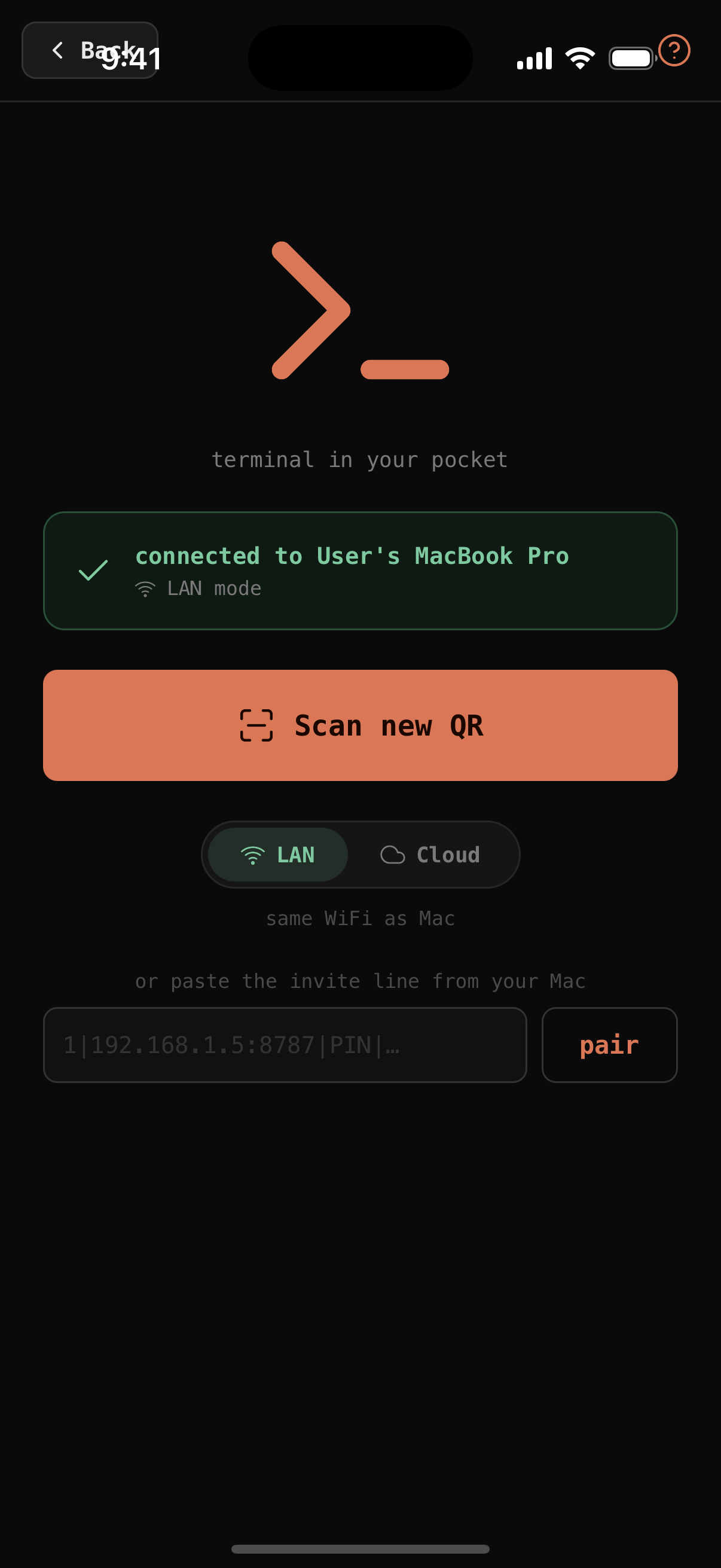
Or scan from the app.
Both devices stay on your network — nothing routes through us on LAN.
LAN direct. No hop, no relay, no latency.
E2E-encrypted relay. We can’t read the stream.
Three steps from zero to control.
No dashboard signup. No pairing code screens. No cloud account. Just one CLI and one QR.
Install the CLI on your Mac
Ships as a native npm package. Uses node-pty to spawn a real pseudo-terminal — so claude and codex think they're on a real TTY.
$ npm install -g @dingalabs/clim
Run clim claude
Starts the relay in the background, generates a PIN, prints QR codes for LAN and Cloud pairing, then wraps your session.
$ clim claude
▸ starting clim server on :8787…
  pair on phone → 540 728
Open the app · scan · done
Your iPhone camera reads the QR. Auto-detects LAN or Cloud, auto-pairs, decrypts. Every tap on your phone types directly into your Mac's live REPL.
› live pty · sends type into REPL
Two modes, one app.
Pick your paranoia level.
Same UX. Same features. The difference is where the bytes travel.
Home WiFi.
Zero packets leave your router.
Your Mac runs the relay locally. Phone connects to it directly over WiFi. Airplane the internet — this still works. mDNS auto-discovery means the app finds your Mac without typing an IP.
- No cloud, no signup, no third-party sees anything
- mDNS Bonjour auto-discovery
- PIN-based pairing, real secret exchanged automatically
- Works on airplane WiFi, hotel WiFi, hotspot
Anywhere in the world.
E2E encrypted. Relay is deaf.
Different network from your Mac? Cloud mode routes through a zero-knowledge WebSocket relay. Every byte is XSalsa20-Poly1305 encrypted with a key that never touches the server.
- Curve25519 key agreement, secretbox AEAD
- Relay only sees ciphertext, sharded by session id
- Runs on Cloudflare Workers + Durable Objects
- Self-host in one
docker run
The relay can't read your code.
Not "we promise not to." Not "encrypted in transit." Cryptographically incapable of decrypting a single byte.
┌─── Mac (clim wrapper) ──────┐
│  generates 32-byte key
│  encrypts every message
│       │
│       ▼ encrypted bytes
└───────┼──────────────────────┘
        │
        ▼
   ┌──────────────────┐
   │  relay (dumb)   │ ← sees only ciphertext
   │  fan-out by sid │
   └─────────┼────────┘
             │
             ▼
┌────── iPhone (clim app) ───┐
│  same key from pairing QR
│  decrypts on device
│  renders session UI
└─────────────────────────────┘
Zero-knowledge relay
Server code is public. It receives base64 blobs and forwards them by session id. Server operator (you or Cloudflare) has no ability to decrypt anything.
Symmetric key from pairing
The pairing QR carries a 32-byte random key generated on your Mac. Phone reads it once, stores it locally. No key ever transits the relay.
Authenticated encryption
Every payload is XSalsa20-Poly1305 via tweetnacl. Any bit-flip attack fails the MAC and gets dropped.
LAN mode needs none of this
Because packets literally don't leave your router. Cryptography is bolted on for cloud mode as belt AND suspenders — TLS breaks, MAC still holds.
What it actually looks like.
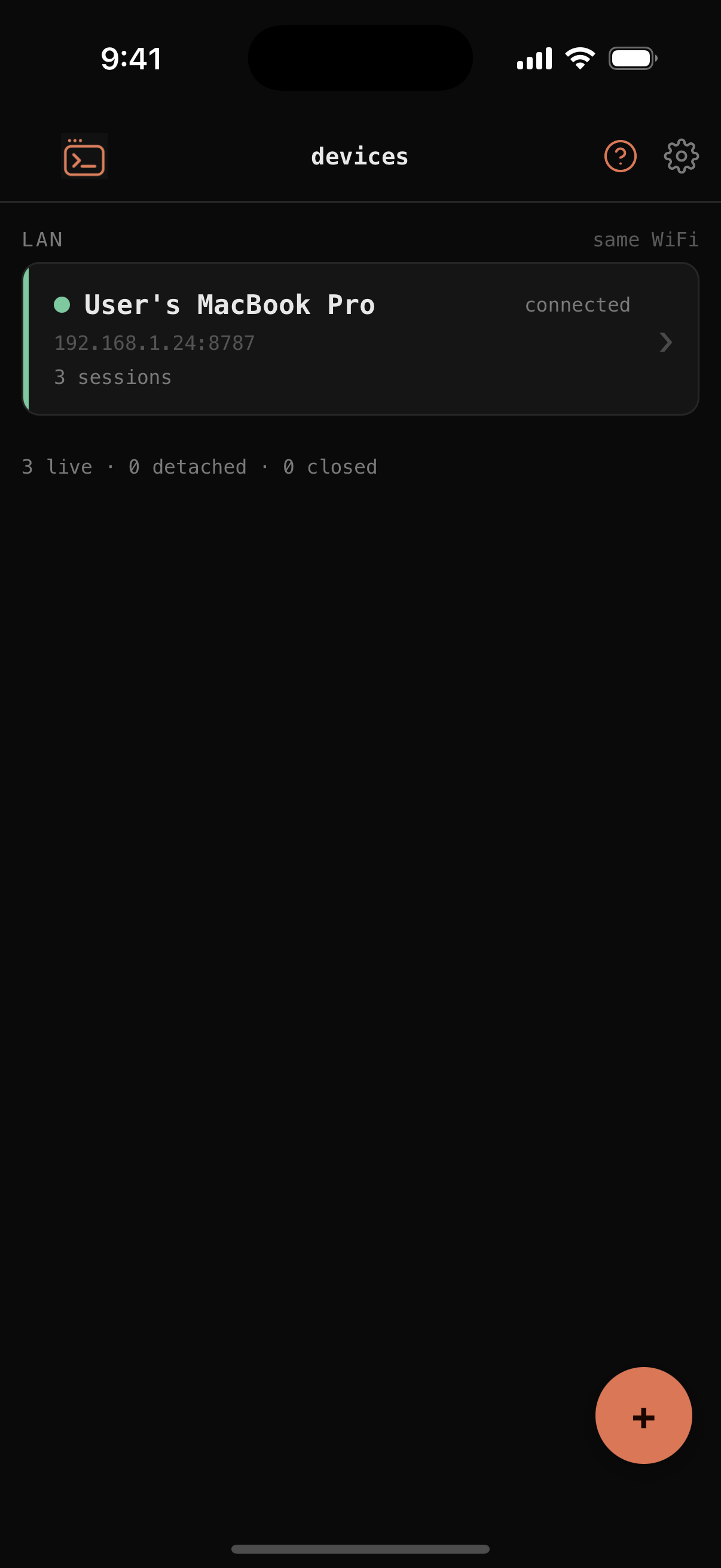
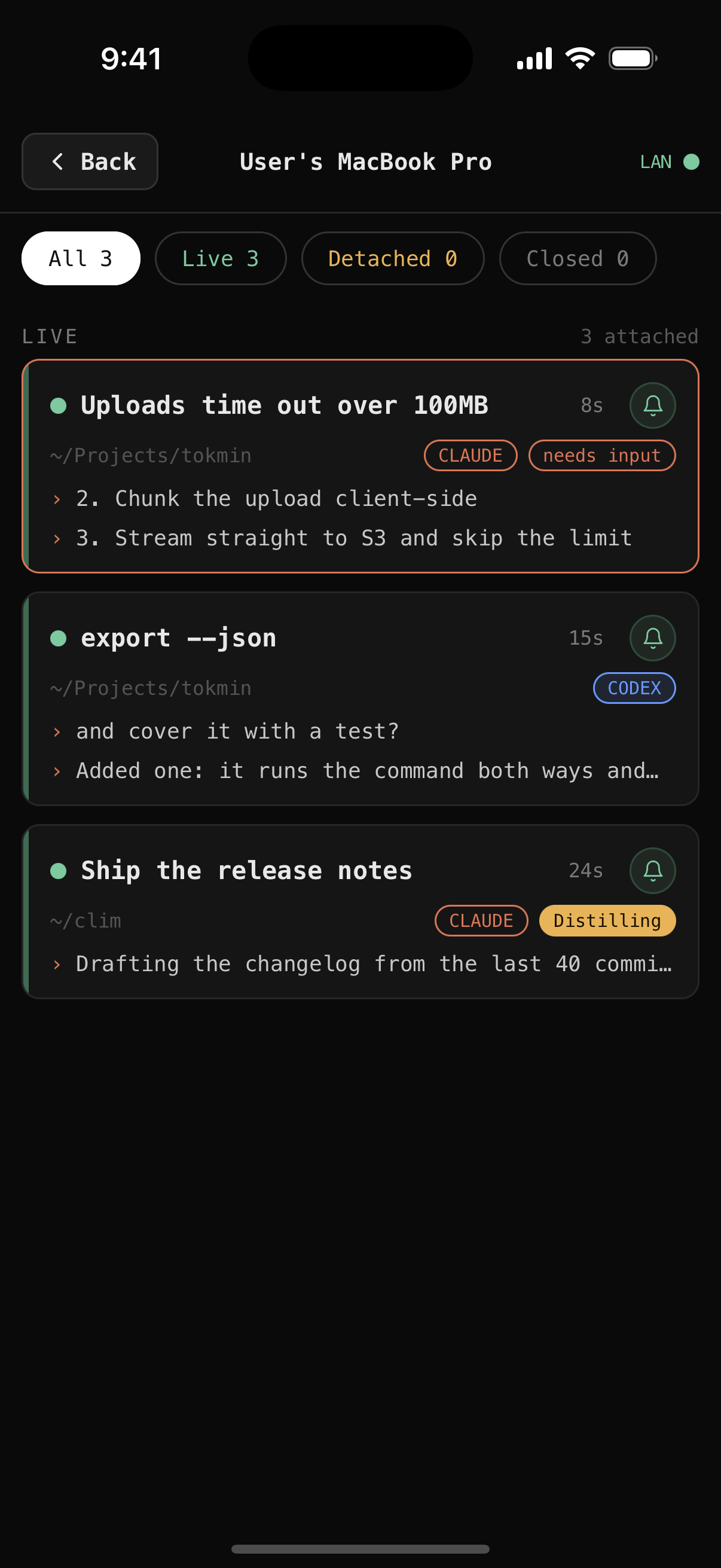
Real screenshots, straight off the build. Swipe →
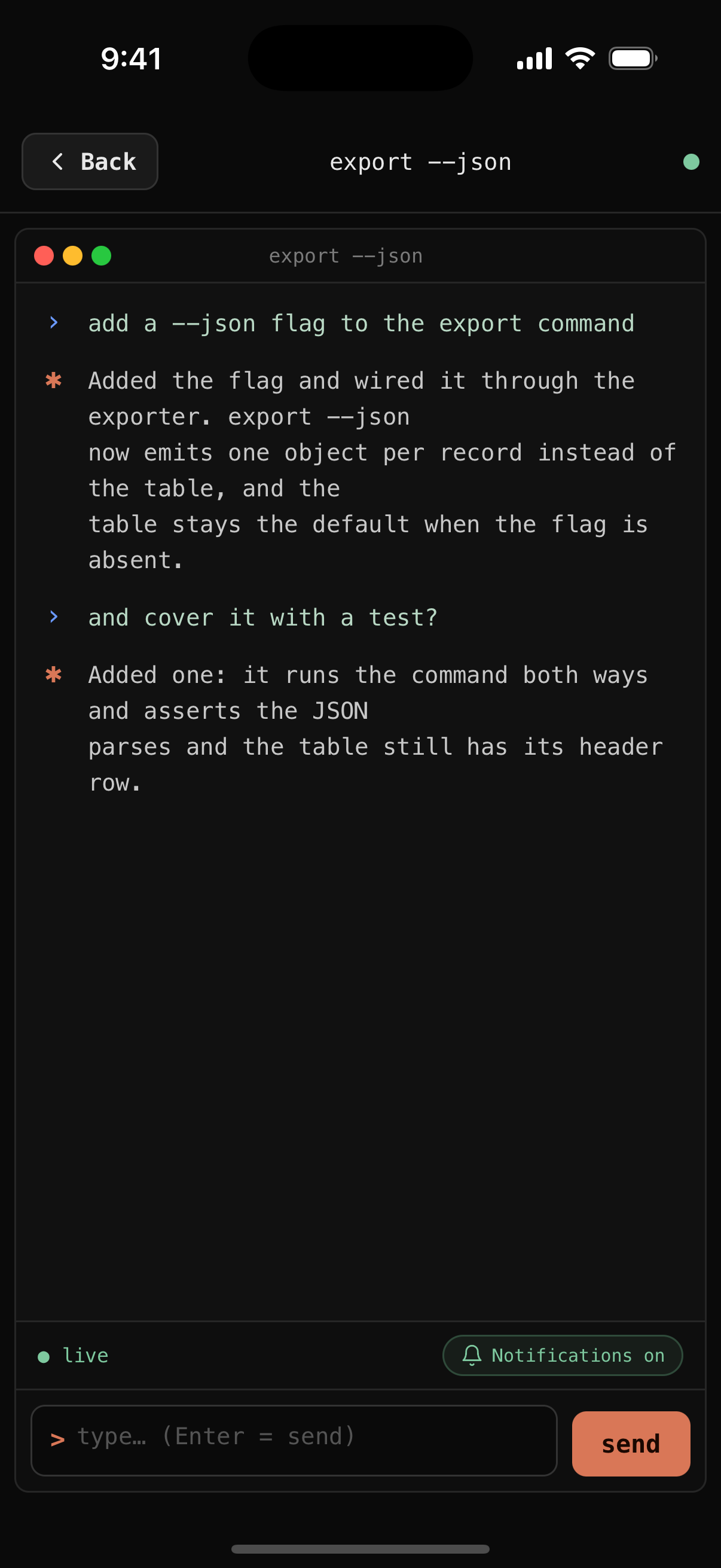
What the app actually does.
Not a passive log viewer. A real control surface for a real REPL.
Yes / No taps
Parses the last assistant line for (y/n). Renders two big tap buttons. One press. Landed in your terminal.
Numbered options
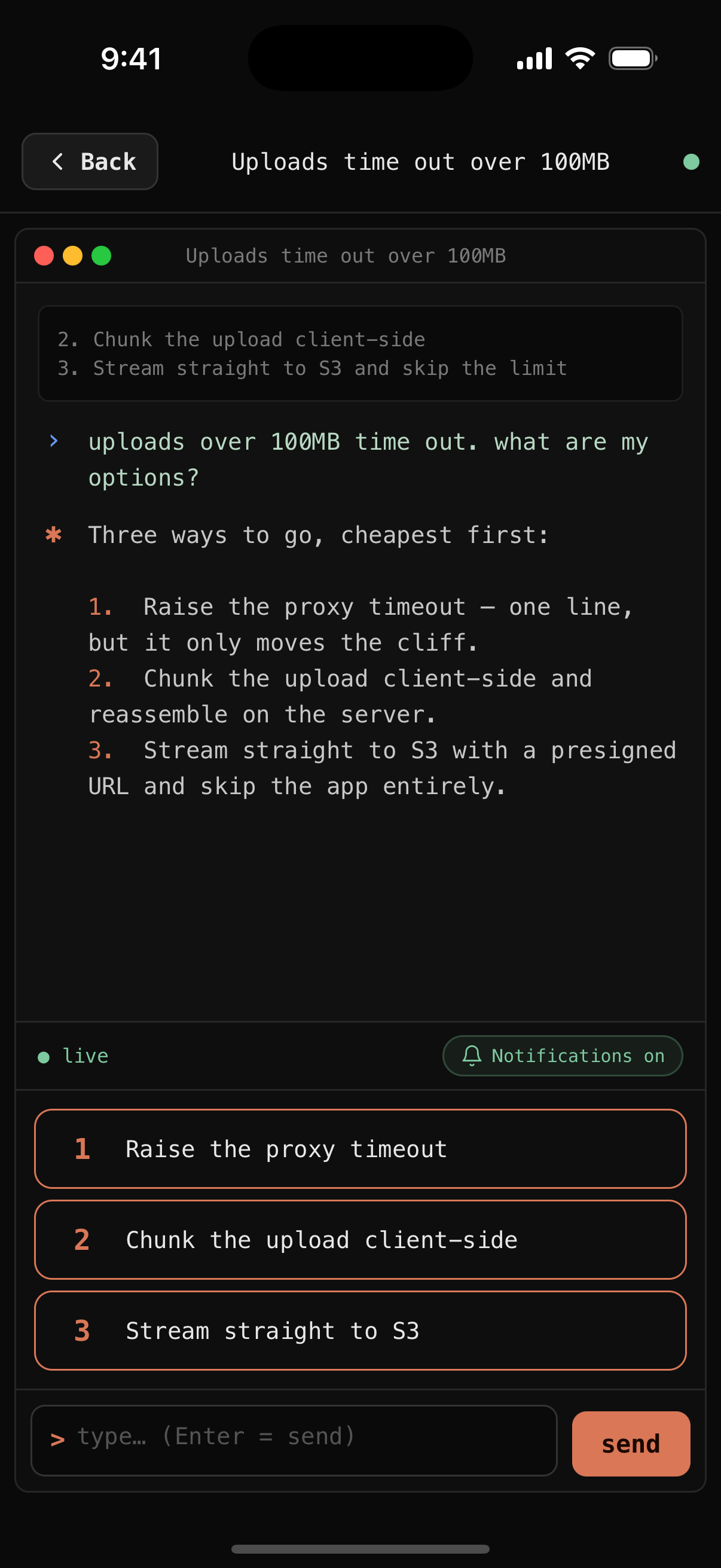
When claude offers 1) 2) 3), they become tap rows on your phone. Whole label visible, huge orange key.
Multi-select
Detects "select all that apply" plus numbered items. Renders checkboxes. Send picks in one call.
Live "thinking" state
The moment your prompt lands in the transcript, the card flips to thinking — and back when the reply arrives. Cycling loader in Claude Code style.
Real replies only
Messages are read from Claude's own transcript, not scraped off the terminal. Tool calls, hook output, banners and box-drawing never show up as chat.
Terminal drilldown
Tap a session card, see the full transcript in a boxed terminal window. Traffic lights, monospace, scrollable.
Session discovery
mDNS Bonjour announces the relay. App scans _clim._tcp.local. Nearby Macs show up automatically.
Any REPL, not just claude
clim wrap <cmd> wraps anything. Python, sqlite3, node — same pipeline, same phone control.
Auto-reconnect + heartbeat
WebSocket ping every 25s. On close, retries with 2s backoff. Handles phone lock, WiFi flap, network switch.
Not another cloud-locked remote.
Most Claude Code remote-control tools require a cloud account, a proprietary relay, and an Expo-wrapped app. clim does none of that.
clim claudeclim codex, clim wrap <cmd>docker runGet clim.
Ship code from your phone in the next five minutes.